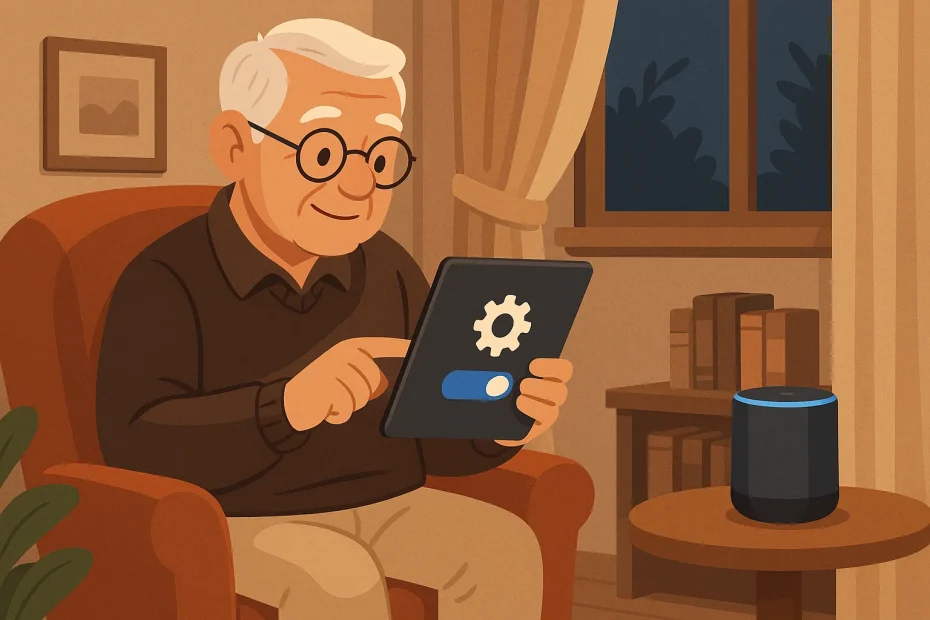
As more of us welcome AI assistants into our daily lives, it’s important to understand the basics of privacy and trust in AI assistants, especially for seniors navigating this space for the first time. These tools can be helpful and supportive, but they also handle a lot of personal information — so knowing where your data goes (and how to protect it) really matters.
You can safely use AI assistants by choosing trusted tools, adjusting privacy settings, and avoiding sharing sensitive personal information.
What personal data do AI assistants collect?
AI assistants can collect all sorts of information — what you say, your location, your habits, even how often you use certain features. It’s not necessarily sinister; a lot of this data helps the assistant give better, more useful responses. But that doesn’t mean you shouldn’t be cautious.
Here’s a quick look at what might be collected:
- Your voice or text commands
- Your name, contacts, and reminders
- Device location and time zone
- App usage patterns
The key is knowing what’s being stored and where it’s going. Most assistants offer privacy dashboards or settings pages to let you review this.
How do I know if an AI assistant is safe to use?
Start by researching the company behind the assistant. Look at their privacy policy — it doesn’t need to be bedtime reading, but scan for how they handle your data and whether they share it with third parties.
Choose companies that are transparent, provide regular updates, and let you control your settings. If an assistant feels too pushy or secretive, that’s a red flag.
For a helpful introduction to common types of tools, see our guide on AI Agents for Seniors 2025.
What should I avoid sharing with AI?
It’s okay to tell your assistant to remind you about your friend’s birthday. But not everything is meant for digital ears. Avoid giving out:
- Your Social Insurance Number
- Bank account or credit card info
- Home address or door codes
- Passwords or security questions
Even if the company seems trustworthy, it’s best to treat AI assistants like friendly helpers — not bank tellers or government officials.
Can AI help protect your privacy?
Actually, yes. You can even ask an AI assistant to research the privacy policy of another tool or website before you sign up. AI is a great way to summarize long, confusing documents in plain English.
For more insight into this evolving topic, see this in-depth piece on Privacy in an AI era.
Frequently Asked Questions
Are AI assistants always listening?
No, most are only listening for their wake word, like “Hey Siri” or “Alexa,” and then they start recording.
Can I delete the data my assistant collects?
Yes — most platforms offer a way to view, manage, and delete your history in the settings menu.
What’s the safest assistant for seniors to use?
That depends on your needs, but assistants from larger, well-reviewed companies with clear privacy settings are usually a safer bet.
Your Quick-Start Checklist
- Pick an assistant with a strong privacy reputation
- Review its settings and disable features you don’t use
- Avoid saying or typing private info like SIN or passwords
- Try asking it to summarize a privacy policy for practice
- Check your activity log every month or so
Conclusion
AI assistants can be incredibly helpful — like having a little digital helper nearby. But like any helper, it’s wise to know what they’re doing and when to speak carefully.
Take a few minutes today to review your assistant’s settings. You might be surprised at how easy it is to take control of your privacy.