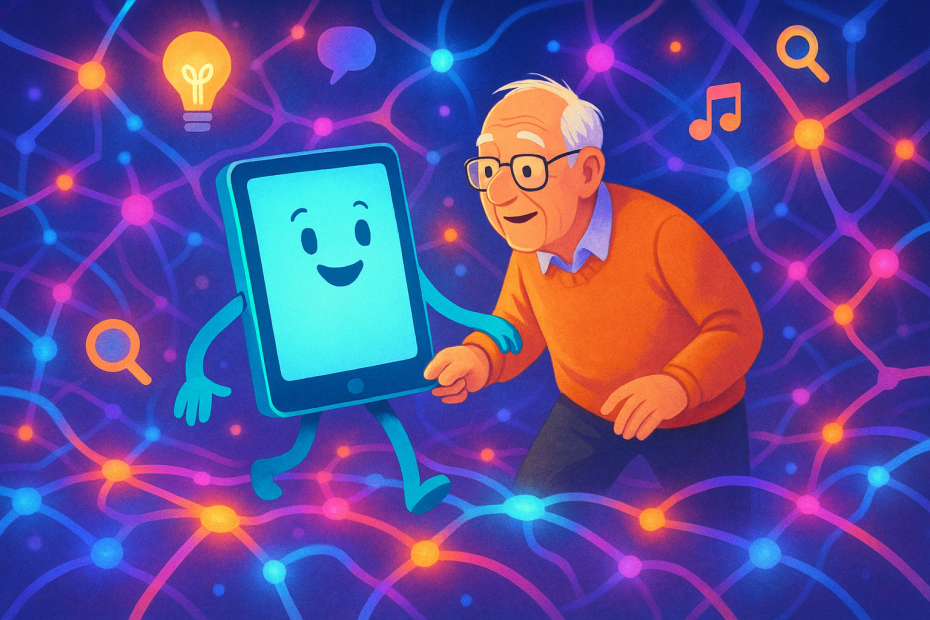
If you’ve ever wondered how to understand artificial intelligence for beginners, you’re not alone. Many older adults feel overwhelmed by today’s fast-moving tech world, but AI can actually make life simpler—if you know where to start.
ANSWER: Artificial intelligence (AI) helps you get useful information, manage tasks, and even talk to your devices just by typing or speaking. It’s like having a helper that’s always ready to explain things in plain English. You don’t need to memorize anything—just be curious enough to ask.
Simple ways to learn AI at home
You don’t have to be a computer expert to feel more confident around technology. In fact, you can start learning AI from the comfort of your couch. Here’s how:
- Talk to your smart assistant (like Siri or Alexa) and ask it to define a word, play music, or tell you the weather.
- Try a chatbot like ChatGPT or Bing Chat. Just type a question like, “What’s the best way to write an email?”
- Watch beginner videos on YouTube that walk through real examples.
- Explore step-by-step guides made for seniors, like the ones from AI Senior Resources.
The only real requirement? A little curiosity and a gentle pace.
Easy AI tools for older adults
AI isn’t some strange robot out of a movie. It’s already in tools you might be using:
- Voice-to-text on your smartphone – just speak your message instead of typing it.
- Translation apps – perfect if you travel or have family who speaks another language.
- Medication reminders – AI-powered apps that help manage daily schedules.
- Reading assistants – that read articles aloud or make text easier to understand.
What makes these tools “AI” is that they adapt to your needs, learn from your habits, and try to save you time—and frustration.
Beginner guide to using AI devices
Got a smart speaker or smartphone? You’re already halfway there. These tips help with starting out:
- Say: “Alexa, how do I bake a lemon cake?” The AI will find a recipe for you.
- Type: “What’s the difference between Wi-Fi and Bluetooth?” and an AI will give you a simple answer.
- Set reminders: “Remind me to walk at 10 a.m. every weekday.” Done.
Not sure what to ask? Start with How to ask anything to AI as a Senior. It’s easier than you think.
Help with understanding AI basics for seniors
If you’re new to all this, the key terms might sound confusing. Let’s simplify a few:
- AI (Artificial Intelligence): A tool that helps machines think and respond, like a helpful assistant.
- Chatbot: A little program that talks with you in plain language.
- Machine Learning: The way AI improves over time—it notices patterns and learns from them.
Think of AI as a recipe book that gets better with every dish you make. Each time you use it, it understands your needs better.
Frequently Asked Questions
Q: Do I need to download anything special to use AI?
A: Not always. Many phones, websites, and devices already have AI built in. You can just start asking questions.
Q: Is AI safe to use?
A: Yes, when you use trusted tools and apps. Be cautious with sharing private info, just like anywhere online.
Q: Am I too old to learn AI?
A: Absolutely not. AI is here to help—no age limit required. Curiosity is all you need.
Look, technology can feel overwhelming—but it doesn’t have to stay that way. AI isn’t a mystery; it’s just a new kind of tool. Try asking one simple question to a smart assistant or chatbot today. You’ve got this.